Content Snippets
Content snippets are saved blocks of text you can reuse wherever snippets are supported—such as workouts, notes, or workout comments.
Why use them: Standard warm-up text, equipment reminders, safety notes, or recurring cues only need to be written once; you insert the snippet instead of retyping.
Tip: Name snippets clearly (e.g. “Bike warmup – general”) so they’re easy to find when you’re in a hurry.
How to use your Snippets
In many places in the platform you will see a prompt to use the / key to search for your snippets. For example, when writing notes, sending messages or when using the dynamic editor.
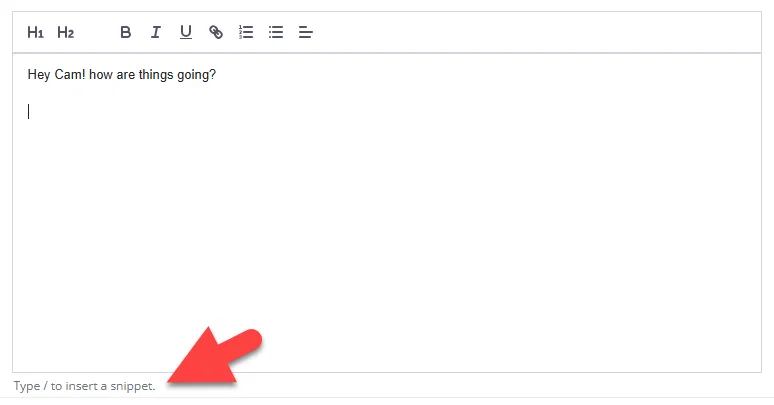
Typing the / will show the snippet selector. Search and select a snippet to insert.
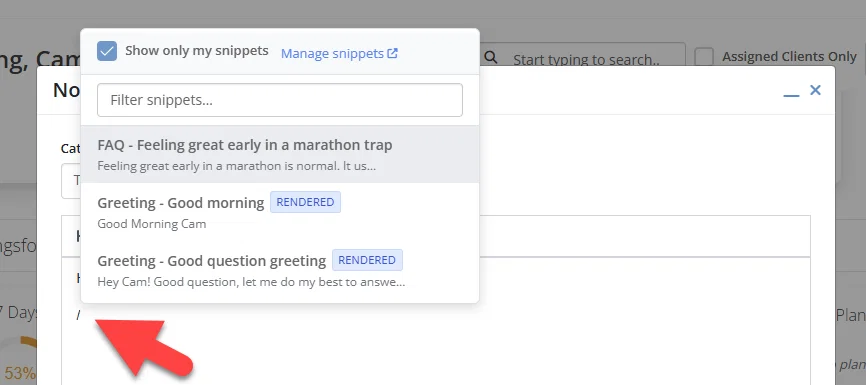
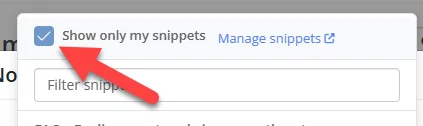
Uncheck the "show only my snippets" box to see snippets other coaches have shared.
Managing your Snippets
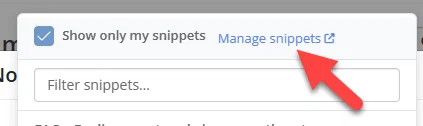
You can manage your snippets from the content menu. Or you you can navigate to your snippets from the snippet selector.
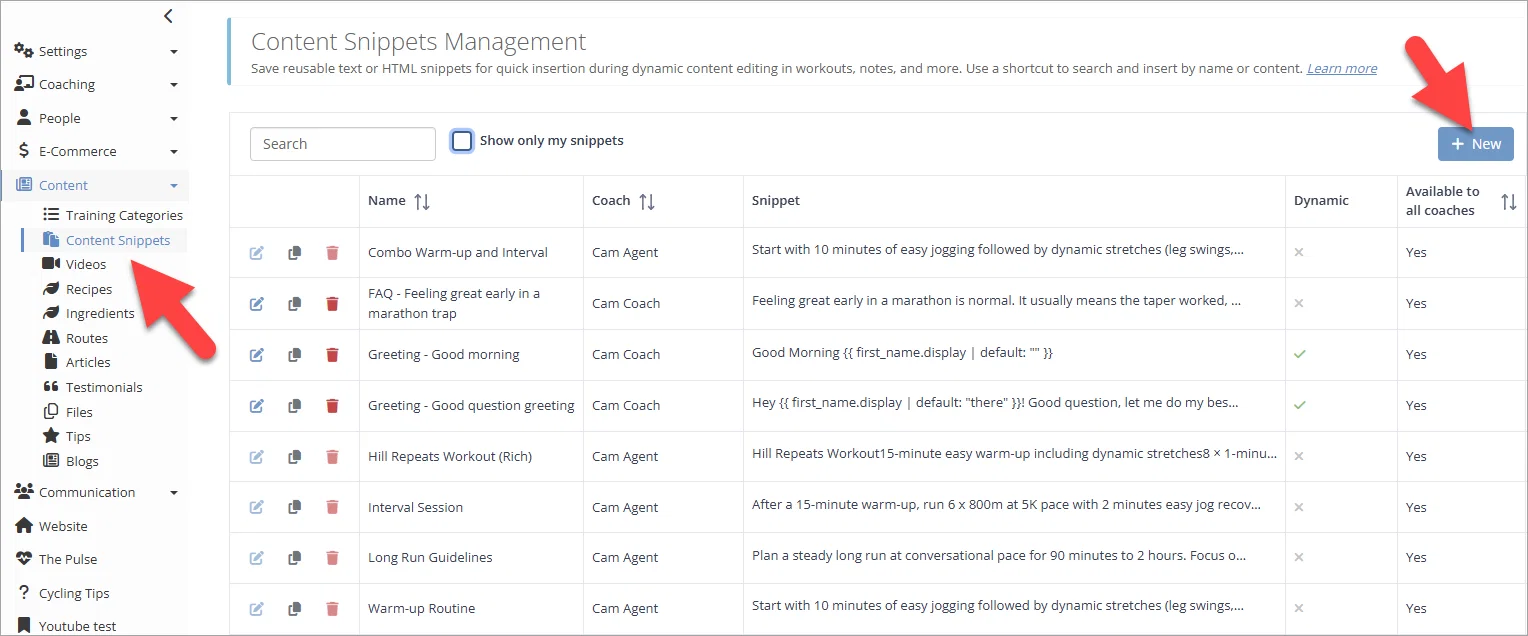
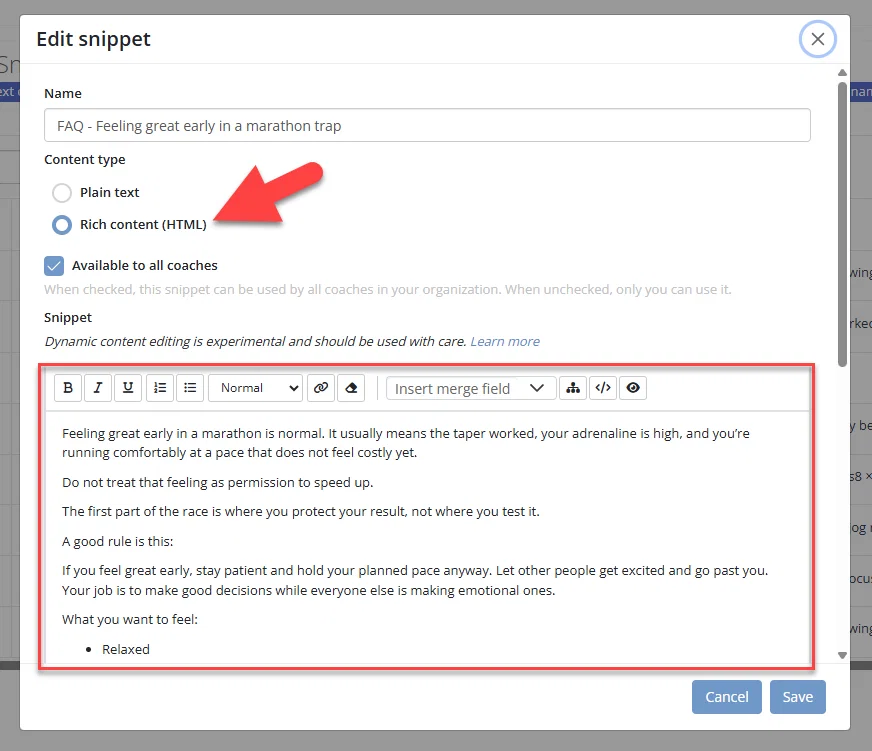
You can create plain text snippets, or rich content snippets with formatting.
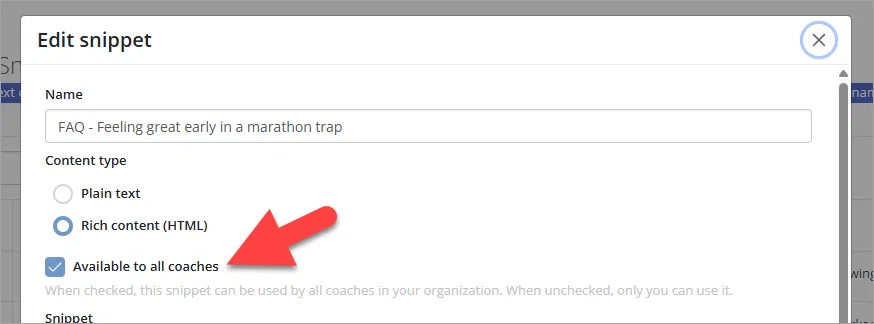
You can make your snippets available to the rest of your coaching team, or just for yourself.
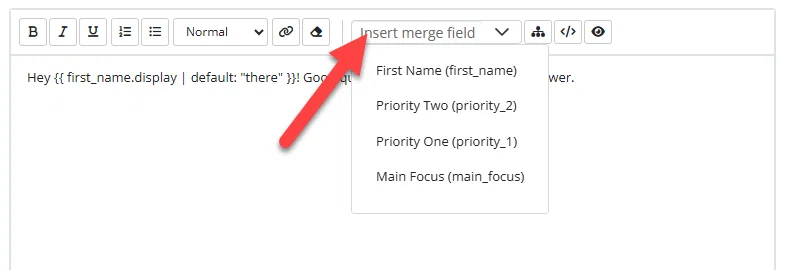
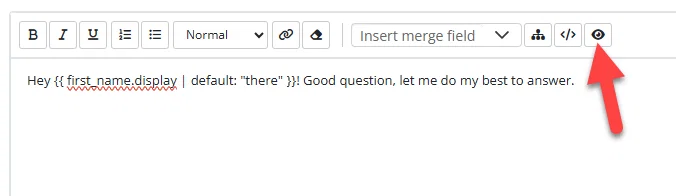
You can use the dynamic content editor to build a snippet using other snippets already created, or by using a merge field or an attribute.
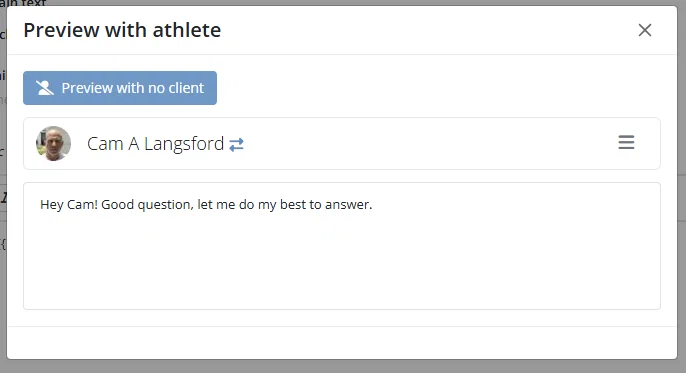
If you've used dynamic content you can preview what it will look like for different clients using the preview button, then select the client to preview the content for.
Dynamic snippets and the picker
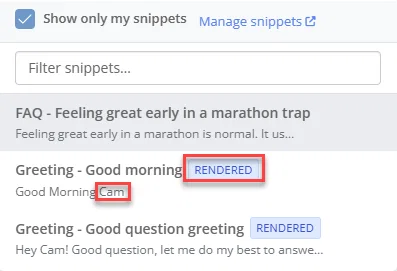
Your picker may include an option like Pre-render dynamic snippets:
On: templates can appear filled in so you can see what you’re inserting.
Off: snippets may be inserted with raw template syntax so personalization still happens when athletes view the content.
You can learn more about managing and using your Snippets here.