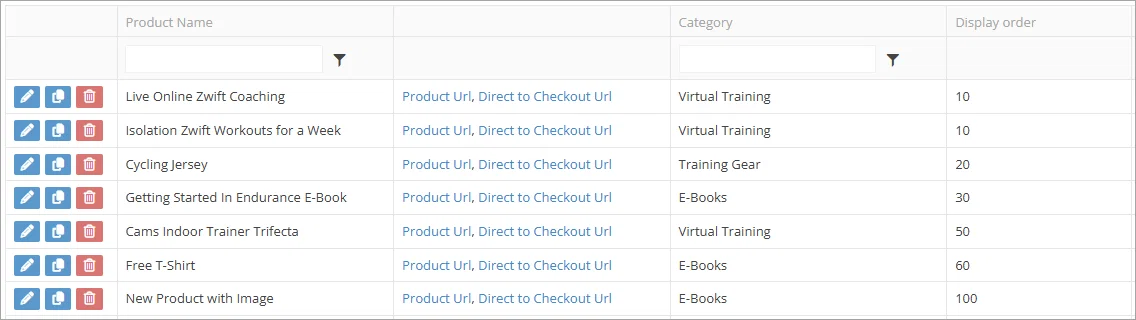
Display Order Shown on Products Admin
Improvement
Announcement
Coach Feature
Sometimes you want to reorder your products in your online store but it's hard to tell what the current order is so we've added the Display Order column to the grid so you can see it without having to open the product. You can also sort using the new column.
And a quick tip for setting display order values. You don't need to use single increments like 1, 2, 3 etc. Instead you can use 100, 200, 300, 400. That way if you want to change the order you can just edit the value on a single product instead of two. Eg if you want to put something between the first and second ordered product then you can just add it as 150 without having to change the current 1st and 2nd products.